 Game Killer
How to play Game Killer
The rules fit in a few lines. An icon appears, already distorted. A timer starts. You name the app it came from. Get it right and you move up a level. Get it wrong and the run is over.
One round, step by step
Pick a target
Tap Play, then choose an app from the list of apps on your phone. Tap Random app if you want the game to choose for you.
Watch the timer
The icon of that app appears inside a dark frame, broken up by one of the 8 puzzle types. The timer bar at the top runs down, and turns orange at 5 seconds and red at 3.
Type the name
Type the app name as it appears on your phone and tap Submit. Capital letters do not matter, spelling does.
Game killed, or game over
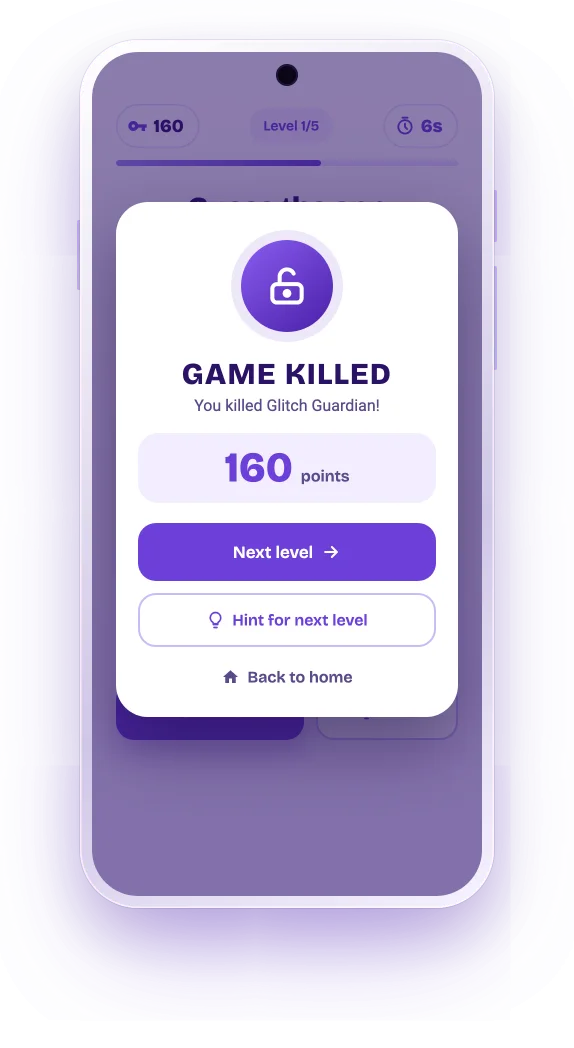
Right answer: you see Game Killed, your points, and the button to the next level. Wrong answer or time up: the run ends and your score is saved.
Levels and scoring
Five levels. Less time on each.
A run has five levels. Each one gives you less time and a rougher icon, and pays more points.
| Level | Time per icon | Base points |
|---|---|---|
| 1 | 10 seconds | 100 |
| 2 | 8 seconds | 250 |
| 3 | 6 seconds | 400 |
| 4 | 4 seconds | 550 |
| 5 | 2 seconds | 700 |
How points are counted
Every right answer pays the base points of the level plus 10 points for every second left on the timer. Name a level 1 icon with 6 seconds to spare and you get 100 + 60 = 160 points. Clear all five levels and the run counts as a win.
Your games played, win rate and best score are on the home screen of the app. They are stored on your phone only.
Hints
Stuck? Get a hint.
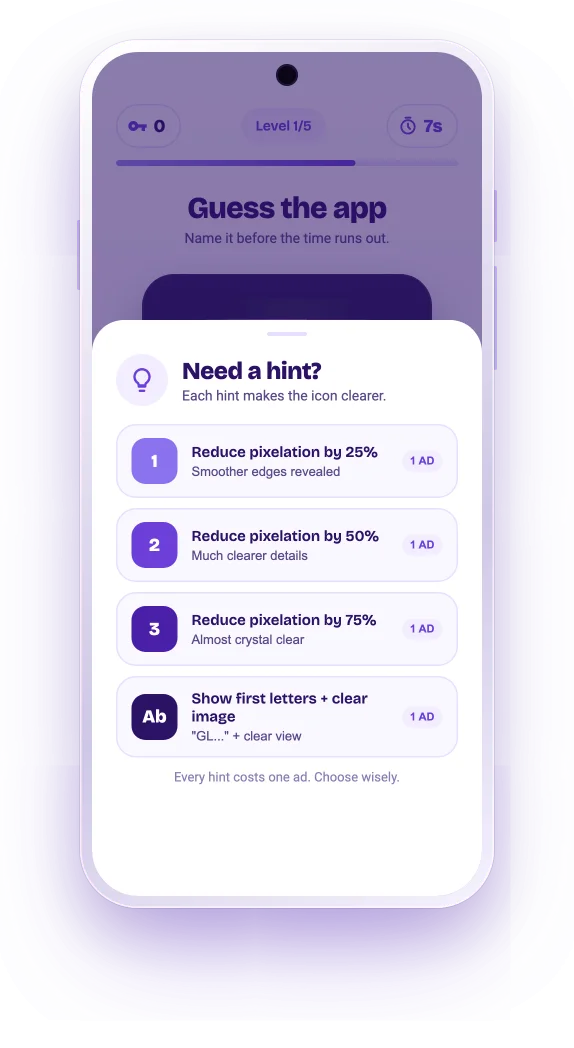
Tap Hint during a round to open four hints, from a small nudge to an almost free answer. Each hint costs one short ad.
- Hint 1 to 3 make the icon clearer step by step: less pixelation, a wider view, truer colors or more detail, depending on the puzzle type.
- Hint 4 shows the first letters of the app name together with a clear view of the icon.
- Hint for next level on the Game Killed screen opens the hints as soon as the next puzzle starts.
Lost a run you liked? On the game over screen you can watch an ad to continue a few times before it is really over.
Tips for the higher levels
Color first, shape second
Most icons give themselves away by color before you see the shape. Name the colors in your head.
Know your home screen
The puzzles come from your own apps. Have a look at your app drawer before a run.
Type the short name
Use the name as it shows under the icon on your phone, not the full store title.
Save hints for level 4
Levels 1 to 3 are usually fine without help. Four and two seconds is where a hint pays off.